


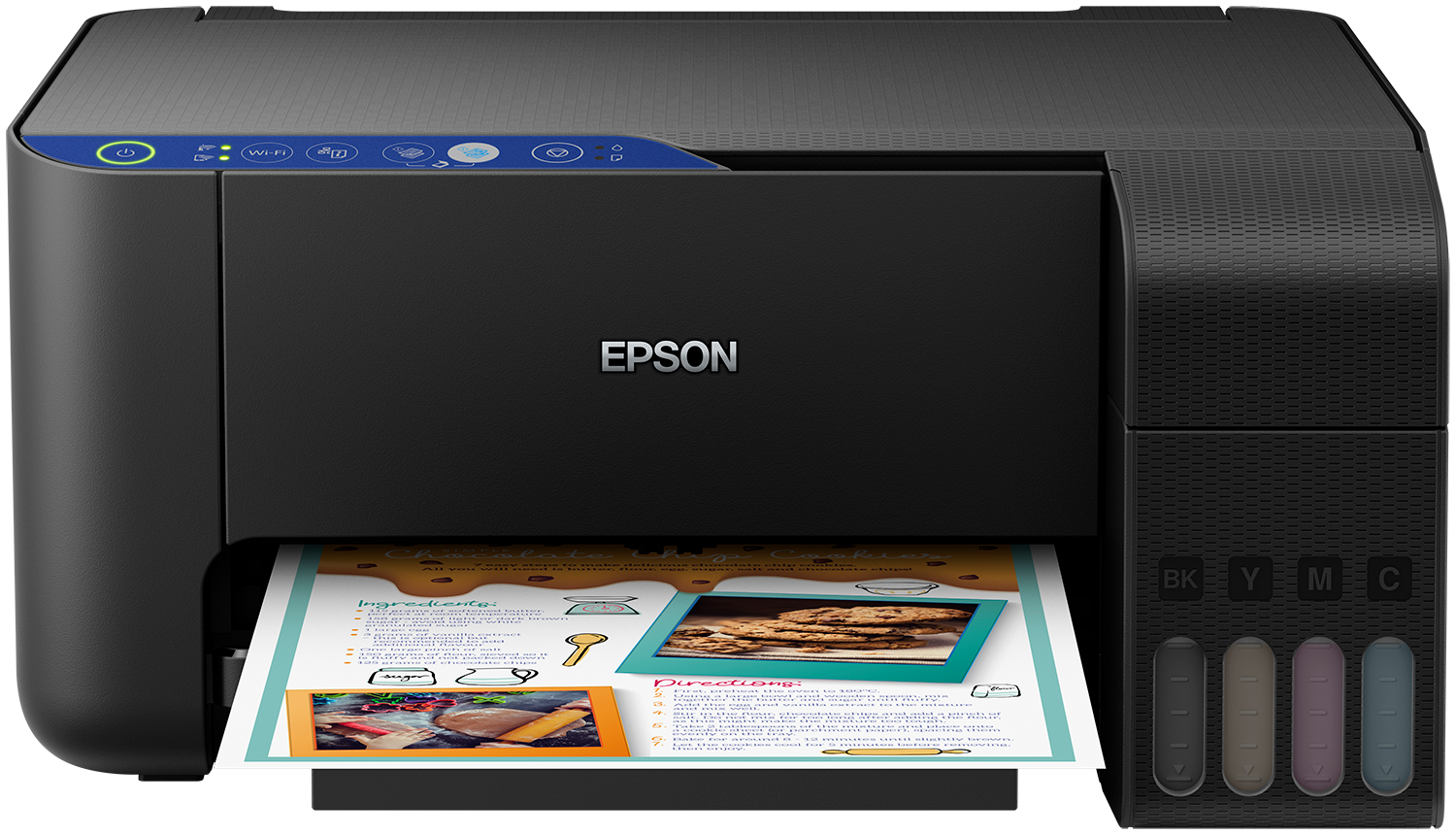
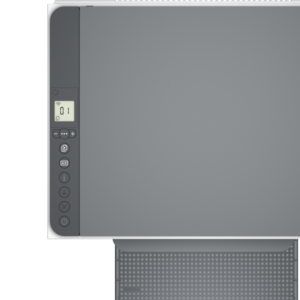
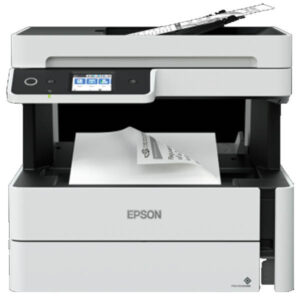
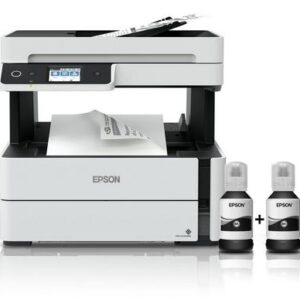
Epson EcoTank L3250 Wi-Fi All-in-One Ink Tank Printer (Black)
Say Goodbye to Expensive Cartridges
The Epson EcoTank L3250 transforms home printing with its revolutionary tank system. Forget costly cartridge replacements—this printer includes enough ink for years of hassle-free printing.
Ultra-Low-Cost Printing with the Epson L3250
Experience dramatic savings with the Epson EcoTank L3250 printer:
Save up to 90% on printing costs compared to cartridge printers
3 years of ink included in the box (no immediate refills needed)
Print 8,100 black pages and 6,500 color pages with included ink
Replacement ink bottles provide equivalent of 66 cartridges
Hassle-Free Ink Tank System
The Epson L3250‘s innovative design makes refilling simple:
Key–lock bottles prevent incorrect color insertion
Front-facing tanks show ink levels at a glance
Mess-free refills with precision bottles
High-yield ink bottles last for thousands of pages
Wireless Convenience with Your Epson EcoTank
Connect and print effortlessly with the Epson EcoTank L3250:
Wi-Fi printing from smartphones, tablets, and laptops
Epson Smart Panel app for easy setup and control
Print documents and photos directly from your mobile device
Monitor ink levels and troubleshoot remotely
Feature-Packed Performance
The Epson L3250 printer delivers exceptional capabilities:
100-sheet rear paper tray for continuous printing
Borderless photo printing up to 10x15cm
Fast print speeds: 10 pages per minute (black)
All-in-one functionality: Print, scan, and copy
Compact design fits any home office space
H2: Technical Specifications of the Epson EcoTank L3250
Printing Technology: Epson Micro Piezo™
Connectivity: Wi-Fi, USB, Wi-Fi Direct
Paper Capacity: 100 sheets
Mobile Printing: Epson Connect compatible
Dimensions: 375 x 347 x 179 mm
Weight: 3.9 kg
What’s Included with Your Epson Printer
Epson EcoTank L3250 printer unit
4 x 65ml ink bottles (Black, Cyan, Magenta, Yellow) + 1 extra black
Power cable and setup guide
Installation CD with software
Warranty documentation



![Canon Pixma G3420 [Print, Scan, Copy, Wireless, photos]](https://acetechit.co.ke/wp-content/uploads/2023/04/3420-3-300x300.webp)


 No products in the cart.
Reviews
There are no reviews yet.